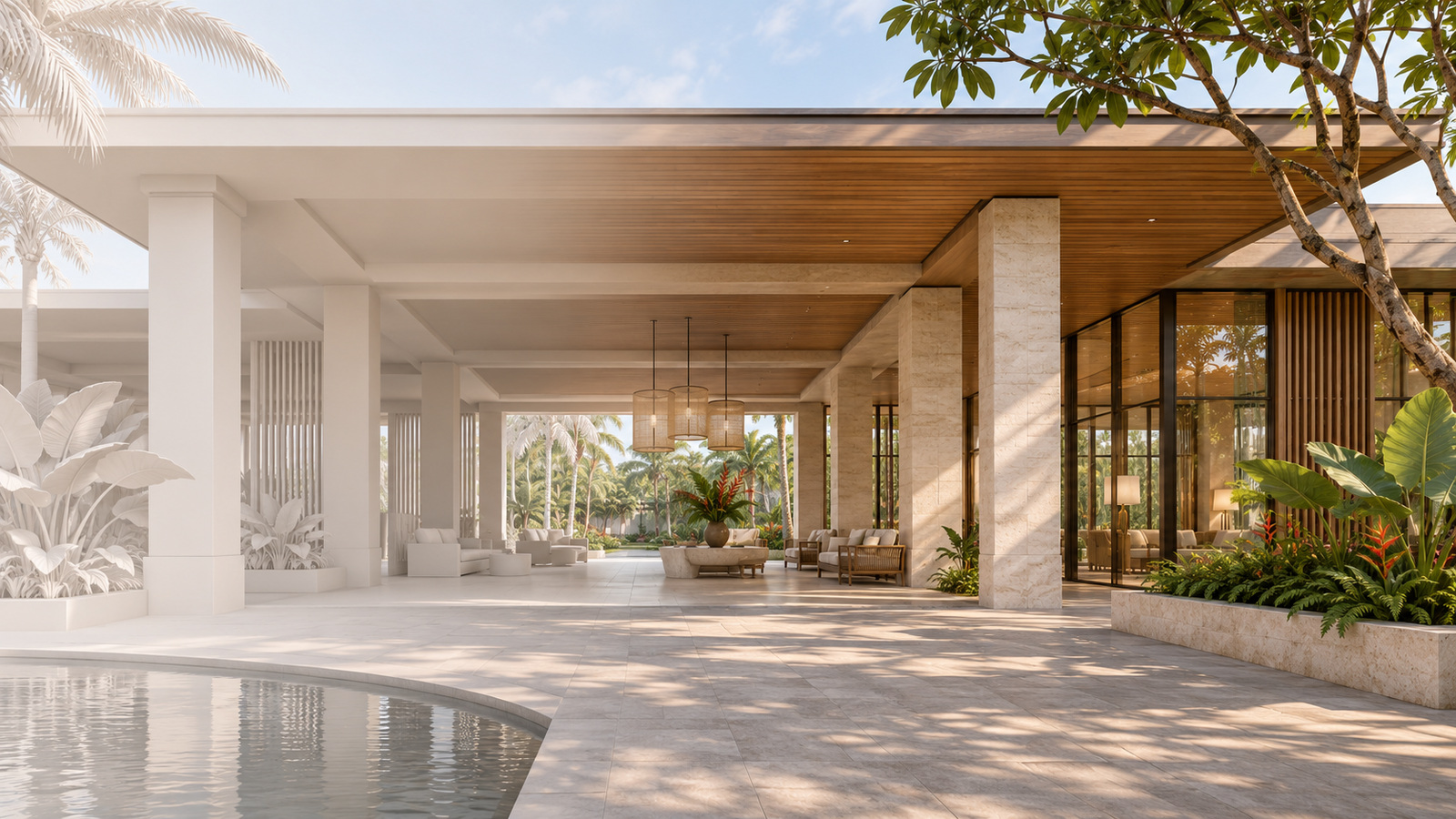
Featured image: AI-generated editorial illustration, not a client project or a software workflow demonstration.
“We already have the SketchUp model. Can you just render it?”
It sounds like a small production task. It may be—but the file alone cannot answer that question.
SketchUp to photorealistic rendering is not simply a change in visual style. The work depends on what the model contains, what the selected cameras reveal and what the final images must communicate. A useful starting model can save effort without removing the need for material development, scene completion, visual direction and controlled revisions.
For architects, developers and interior design teams, clarifying that difference makes proposals easier to compare and production easier to manage. The objective is not to justify unnecessary rebuilding. It is to understand which work has already been done—and which work still belongs in the scope.
A supplied model is a starting condition, not a finished brief
A model may have been developed to explain massing, coordinate a layout or support an internal design discussion. Those are legitimate purposes. They are not automatically the same requirements as a close architectural image or a property marketing campaign.
A façade that reads clearly from a distance may need more definition when the camera moves closer. A placeholder landscape may be adequate for design coordination but insufficient for an arrival image intended to establish a development’s character.
Neither situation means the original model is poor. It means the intended use has changed.
The practical question is therefore not “Is there a model?” It is “How much of this model is suitable for these images, at this viewing distance, with this level of finish?”
What SketchUp to photorealistic rendering actually includes
Before treating the task as rendering-only, separate the responsibilities:
| Work area | What the team needs to establish |
|---|---|
| Source model | Whether it represents the intended design revision and contains the visible elements needed for the agreed views |
| Scene preparation | Which geometry, assets and surrounding context can be reused, adapted or completed |
| Material interpretation | Which finishes are approved selections and which remain visual references or placeholders |
| Art direction | What the image should explain, emphasise and make the audience feel |
| Delivery | Which views, variants, formats, dimensions and review rounds are included |
Some tasks may already be complete. Others may be unnecessary for the agreed purpose. A responsible assessment should identify both, rather than assuming every supplied model needs a full rebuild.
This also makes a rendering proposal more useful: the team can see what is being delivered instead of interpreting one unexplained price per image.
Review the actual file before committing to a fixed scope
Screenshots are useful for discussing design and mood, but they do not expose the same information as an editable model. They may not reveal what is missing outside the frame, how elements are organised or whether referenced assets are available.
A focused review should establish the model revision, visible completeness, scale, asset dependencies and the preparation required for the proposed views. Review a working copy and retain the original source; cleanup should not silently remove information the design team still needs.
SketchUp’s official guidance on purging unused entities explains that unused component definitions, tags and materials can remain in a model and add unnecessary complexity.
That is one example of file preparation, not a test of visual readiness. A smaller file is not necessarily a more complete model, and a large file is not necessarily more expensive to finish. Geometry density, visible detail, asset suitability and unresolved design decisions require separate judgement.
If the file is not yet available, a preliminary allowance can still support planning. It should state its assumptions and remain subject to review—not pretend that unseen production work has already been assessed.
Camera coverage changes the work more than image count suggests
Five images from one established scene are not necessarily equivalent to five images revealing different spaces, façades and landscape areas.
Consider a hypothetical hotel arrival pavilion. A distant approach image may rely on the overall silhouette and surrounding landscape. A close entrance image may expose soffit details, glazing, paving junctions and furnishings. An aerial view may reveal roofs, service edges and neighbouring context that neither ground-level view shows.
The additional camera can therefore introduce new preparation, not merely another render output.
For SketchUp to photorealistic rendering, agree approximate camera coverage before treating the number of images as a complete description of the job. Small framing adjustments and a new view exposing an unprepared area should not be treated as identical changes.
The same principle applies to day and dusk versions. Reusing geometry may help, but a second atmosphere can still require a distinct lighting approach, image balance and review. Define the variant rather than assuming it is a one-click extra.
Colour swatches do not finish the material brief
A model can communicate colour allocation without resolving how the finished surface should behave in the image.
For example, “beige stone” may leave the grain, module size, joint pattern, surface finish and acceptable variation uncertain. Those choices affect whether the space reads as restrained, commercial, domestic or luxurious.
The visualizer’s role is to translate the approved intent into a coherent image and identify where a decision is missing. It is not to invent specifications and allow a persuasive picture to turn them into apparently approved selections.
Where exact products matter, obtain the relevant references. Where the brief allows interpretation, identify that freedom. In either case, distinguish material development from a request to select or redesign the material itself.
“Marketing quality” needs a delivery definition
The phrase is an ambition, not a measurable deliverable by itself.
Clarify the intended audience and use: a presentation screen, a website hero, a brochure and a large hoarding may call for different compositions, crops and output preparation. State the required pixel dimensions and aspect ratio, and obtain the printer’s requirements when print production is involved. A DPI field alone does not define the image detail available.
Also establish whether the deliverable is a finished image only or includes other items such as layered files, transparent-background elements, alternate crops or editable scene files. These should not become implied extras after approval.
Professional quality includes suitability for use. An attractive image that omits a necessary crop, obscures the project’s main feature or arrives in an unsuitable format still leaves the team with a delivery problem.
The interior visualization portfolio and workflow connects finished imagery with the preparation, material references and output requirements behind it.
Separate corrections, refinements and design changes
Clear review boundaries protect the design team as well as the visualizer.
- A correction brings the image back into line with the agreed source information or approved instruction.
- A refinement develops the image within the agreed direction, such as a targeted adjustment to material appearance or image balance.
- A design change alters the underlying brief, such as replacing the façade treatment, changing the landscape layout or introducing a new design option.
The exact commercial treatment should follow the agreed terms. A new charge should not be used to disguise a production mistake; equally, a changed brief should not be hidden inside an unlimited promise of “minor revisions.”
Agree who consolidates feedback, how many review rounds are included and which changes require a revised scope or programme. When new source files arrive, identify what changed before replacing previously approved work.
Evaluate the handover, not just the headline price
Two proposals can look different in price because they describe different responsibilities. One may assume a completed model and approved finishes. Another may include visible model completion, asset replacement and more extensive visual development.
The useful comparison is whether each proposal addresses the same cameras, source condition, design assumptions, deliverables and review boundaries. A higher price does not prove a better outcome; a lower price does not prove the work has been underestimated. The stated scope provides the evidence for a meaningful comparison.
My view is that SketchUp to photorealistic rendering is most valuable when the team can see the boundary between reusable design information and the work needed to make it presentation-ready.
For architects and studios evaluating visualization talent, look for someone who can explain that boundary clearly, retain useful existing work and raise missing decisions early—not simply promise to make any supplied file look finished.
Before approving the next production brief, ask: what are we assuming the model already contains, and who has checked those assumptions?
References
Checked on 21 November 2026.
- SketchUp Help — Purging Unused Entities. Page updated 21 August 2026.
- Sporadic Studio — 3D Interior Visualization.